 SlingAgent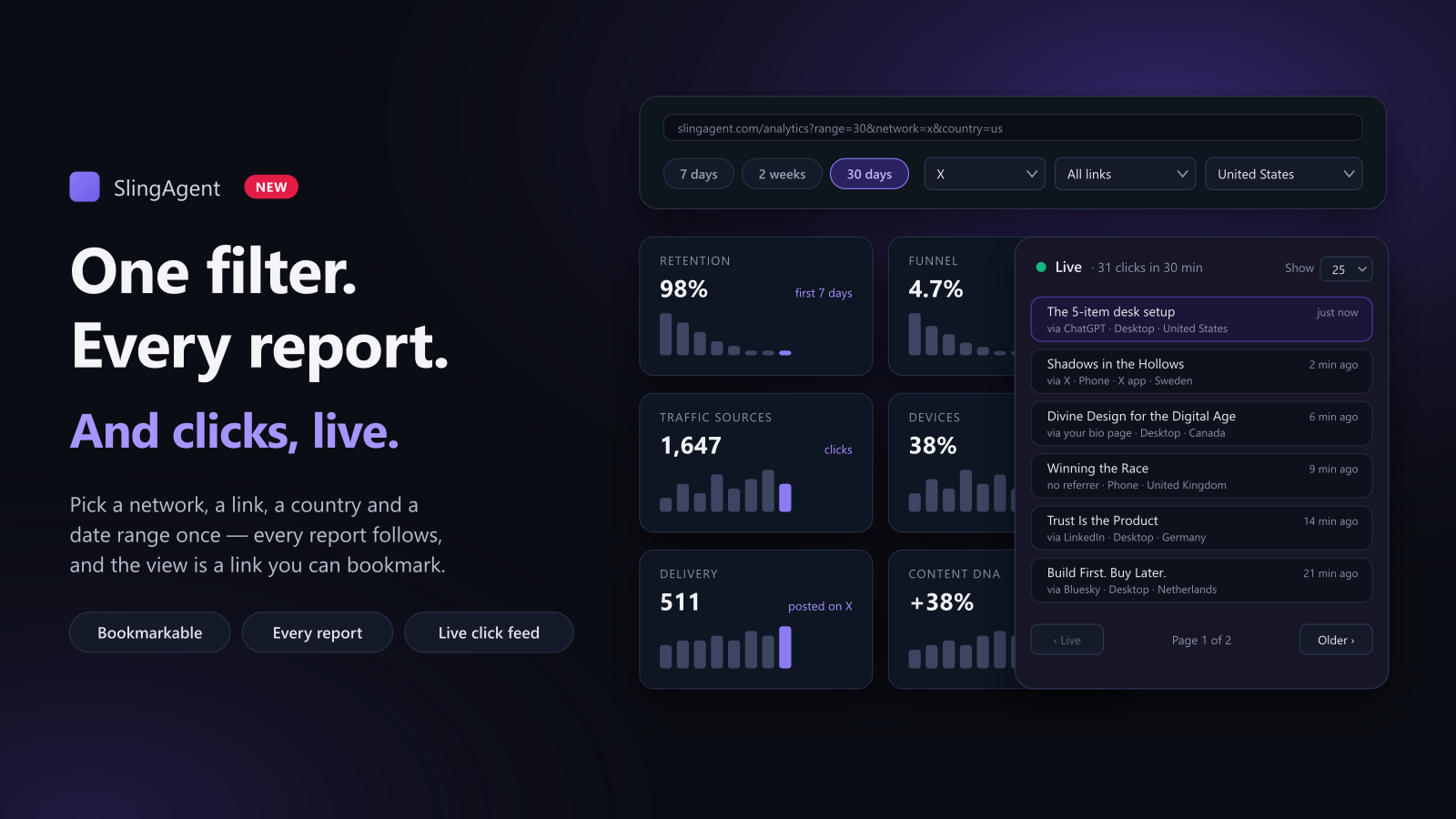
The last update added a lot to SlingAgent's analytics: traffic sources, devices, the click-to-sale funnel, live clicks. Using it, I kept wanting to ask the same narrow question everywhere. Just X. Just the US. Just the last 30 days. Some pages let me, most didn't, and each one that did had its own way of doing it.
So now there's one way, and it works on every report.
Pick it once
Every analytics page has the same filter bar at the top: date range, network, link and country. Choose "X, United States, last 30 days" on the Analytics page and the numbers follow. Then open Link retention, Delivery & failures, Content DNA, the geography map or any other report, and it opens already filtered to the same view. You don't pick it again.
The filter also lives in the page address, like
slingagent.com/analytics?range=30&network=x&country=us. Bookmark it and you have
a saved view. Send it to yourself and it opens exactly where you left it. Clear
filters puts everything back.
Only the filters that are true
Not every filter makes sense on every report, and I didn't want any of them to pretend. A post has no country, so the reports about posts (delivery, scheduling, engagement, Content DNA, reposts) don't offer a country filter. Earnings are logged per link, not per network, so the revenue timeline filters by link but not by network. Portfolio groups links by tag and source, so it takes just the date range.
If you arrive at a report with a filter it can't use, that filter is dropped for that page, not quietly ignored while the bar still says it's set. The docs have a table of which report takes which filter.
The geography map, faster
The world map now takes the same filters, and its network buttons and the filter bar are the same setting, so they can't disagree. It also got quicker: the counting happens in the database now instead of downloading every click to your browser.
Live clicks get their own page
Live clicks used to sit at the top of the Analytics page, and on a busy afternoon that list got long. Now the Analytics page shows just the count and a minute-by- minute strip, and Analytics → Live clicks has the full list:
- Choose 10, 25 or 50 clicks per page.
- The first page is live and updates every 15 seconds while you're looking.
- Go to an older page and the list holds still, so rows don't jump while you read. A banner counts the clicks that arrived since, and Back to live takes you to the newest.
- It takes the network, link and country filters too.
Who gets it
All of this is on every plan, within your plan's analytics history: 7 days on Free, 30 on Starter, a year on Pro and Unlimited. Every new account starts with 14 days of Pro, no card needed.